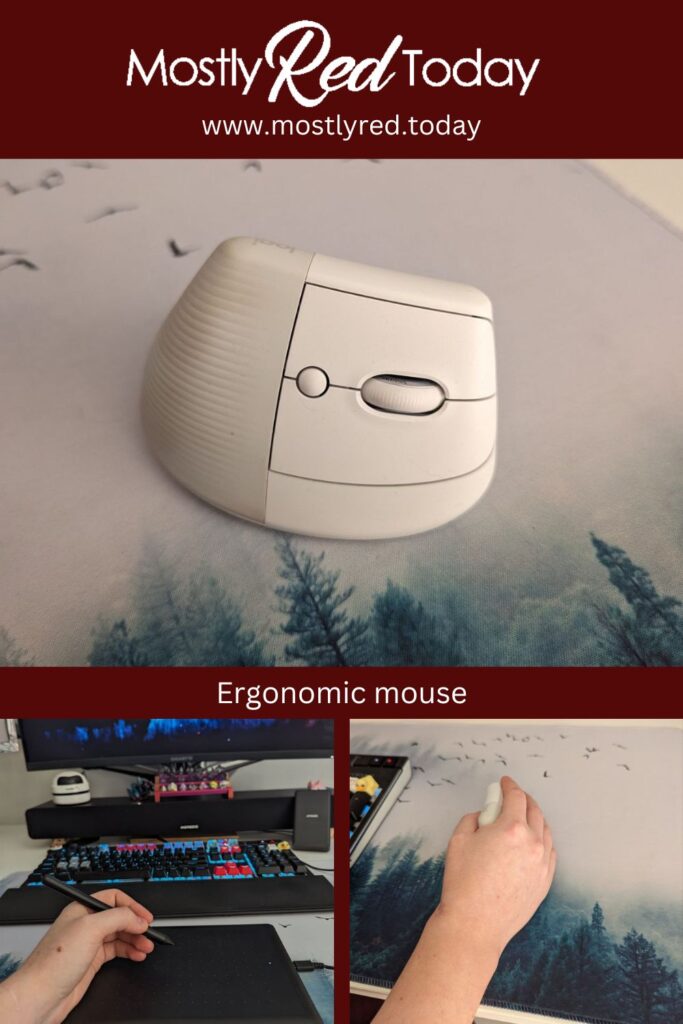

Have you ever wondered if an ergonomic mouse is for you? Do you or anyone in your surroundings experience wrist trouble? Please be careful and consider the right helpful tools. I am by no means a doctor or professional of any kind. However, I am experienced with wrist and tendon problems and chronic illness. I would love to share whatever I can to help others see the need of the right posture, mouse and maybe other ergonomic tools. In this blog I try to give tips and tricks, point out the necessity and answer the most asked questions to the best of my ability.
About ergonomic mouse
Ergonomic mice are a different shape then regular ones. Their design is ment to keep your arm and hand in a more natural position and take the pressure off. The idea is that you can be productive longer and to reduce tension, pain and inflammation. Most common examples of problems caused by wrong position during desk work are; CTS (carpal tunnel syndrome), tendinitis and other repetitive strain injuries. Inappropriate computer use can also cause muscle and joint pain, eye strain and overuse injuries of the shoulder, arm, wrist or hand.
Importance of ergonomics
Loads of people work on desks nowadays and it has not been long since normalizing whole days at a desk and having 40 hour work weeks. Work related pains, injuries and illnesses are sadly very common. The regular computer mouse we know is used in a position which is not natural to us. Most jobs do not even have the right lighting, screen height and adjustable chairs. And most of us do not think about this until it is too late. Please let me warn you.
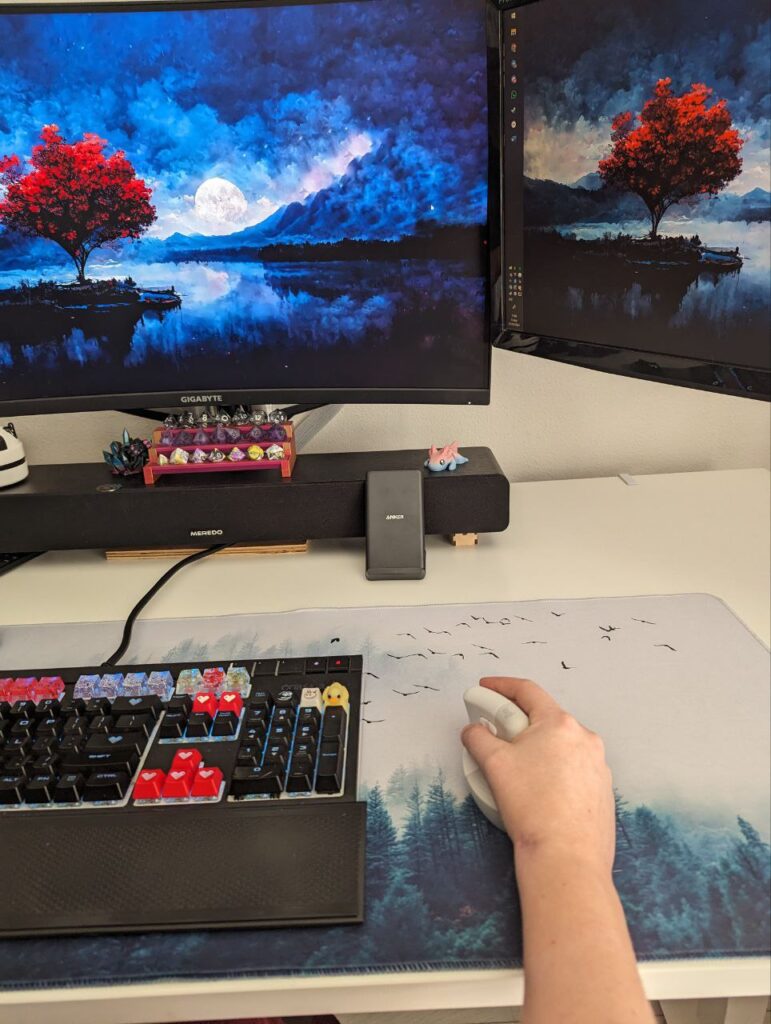
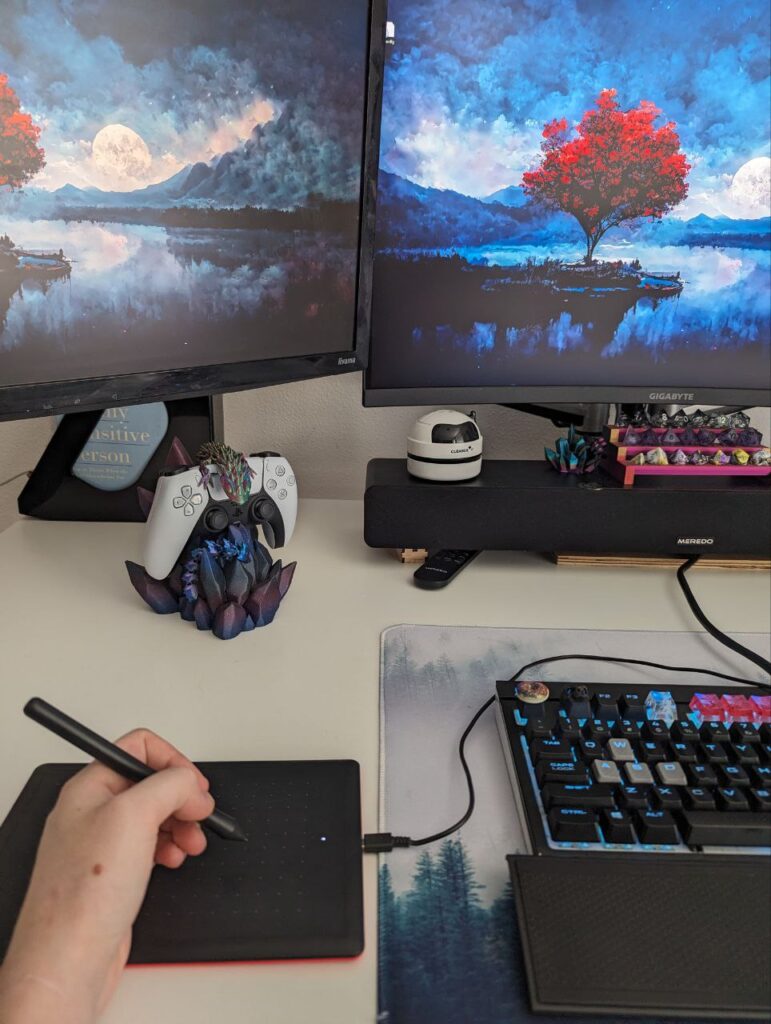
Do not wait until you are having troubles but try to see that good ergonomic posture is important. If you do have any of the above-mentioned conditions or feel pain or irritation in those areas, please take them seriously and visit a specialist. And, consider upgrading your workspace. I myself have my screens at good height. My desk chair is adjustable ( to some extent, but it is enough). I have a wrist rest for my keyboard, an ergonomic mouse, a regular mouse a wacom tablet and a controller.
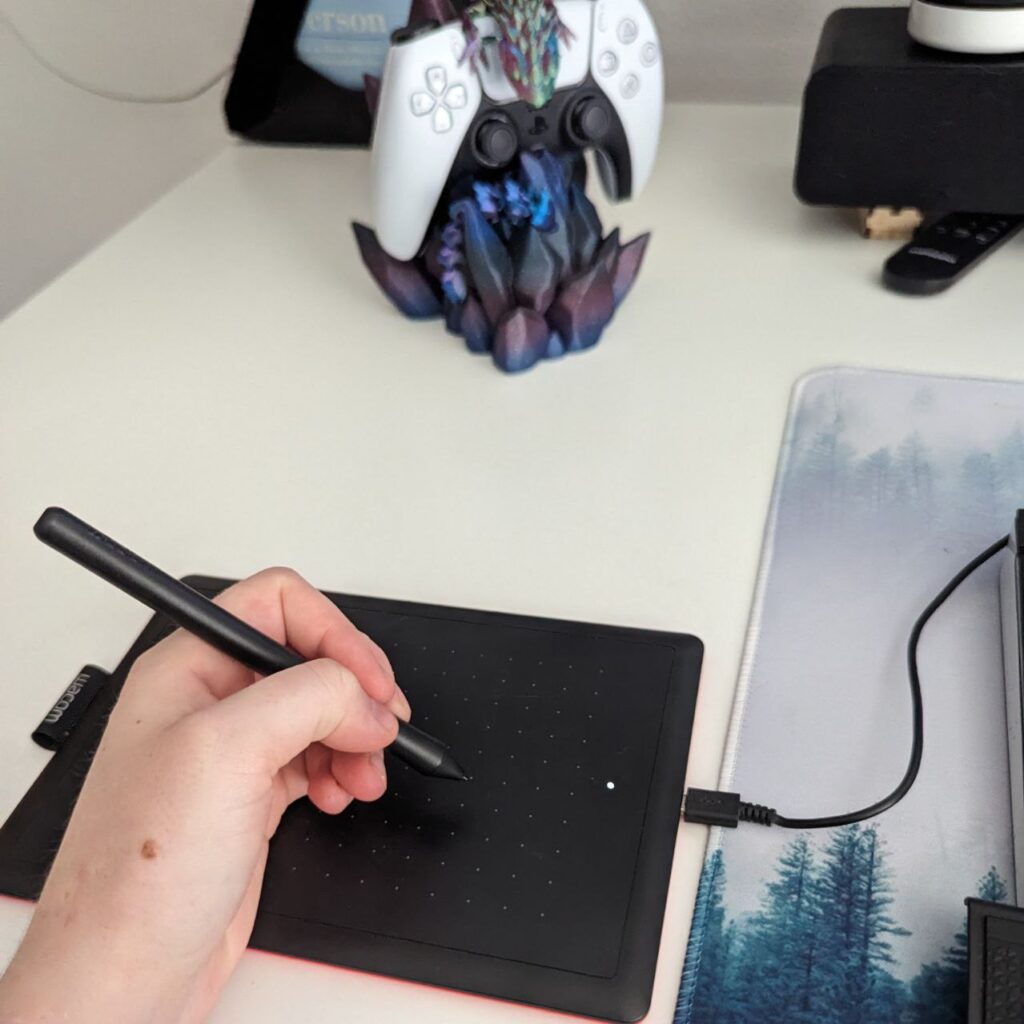
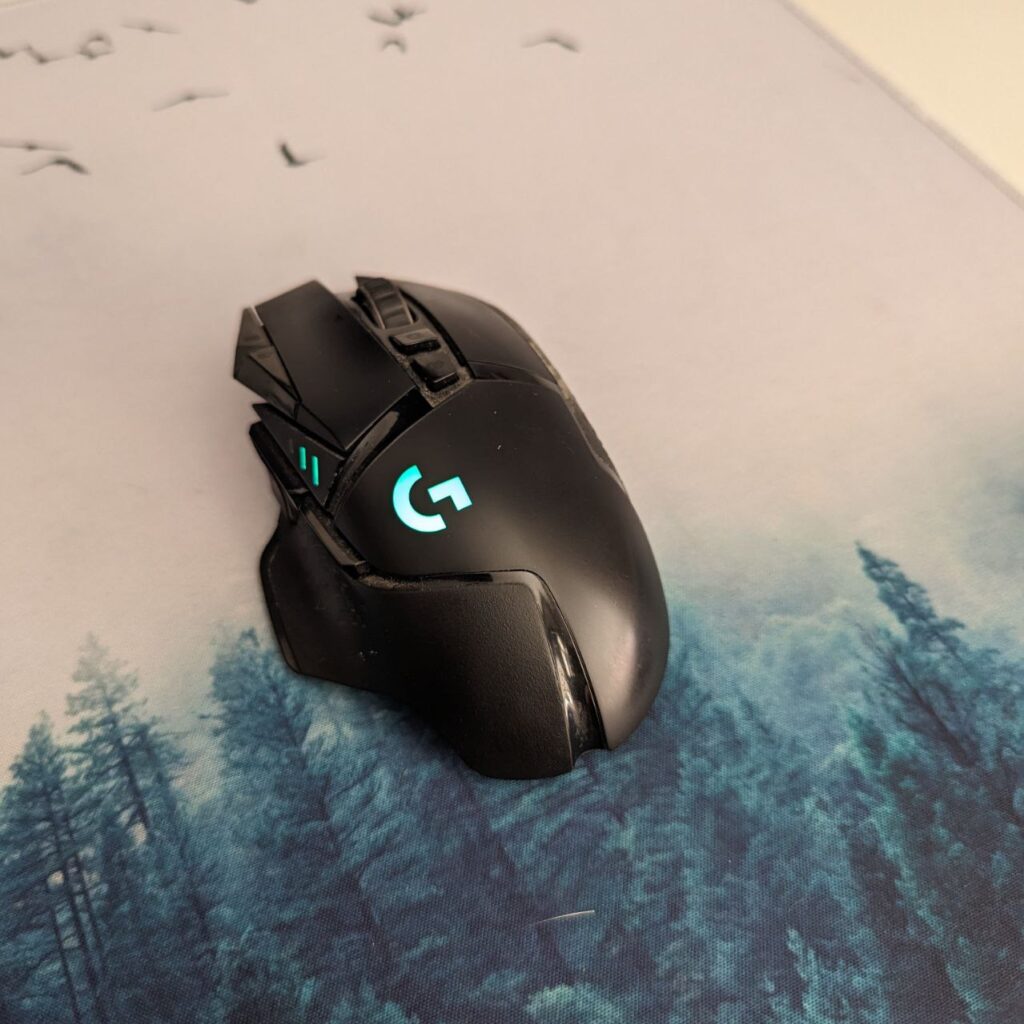
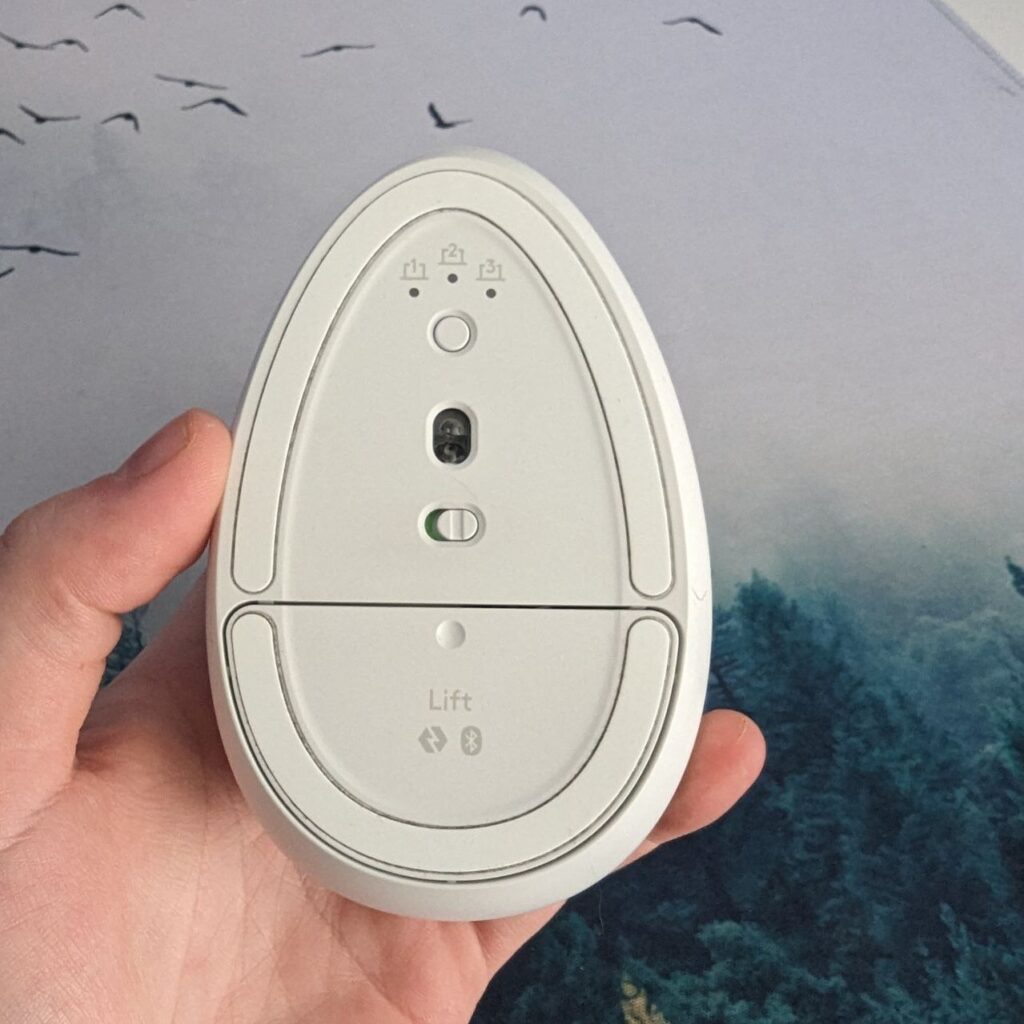
What do I use that for and why?
I mentioned some of the stuff I have for my desk and would like to elaborate what I use it for and why. After not taking my pains seriously and working in an ergonomically terrible situation, I found out that I am chronically ill and was way too late with adjusting my posture and workspace. I have been operated at both my wrists multiple times and have had lots of physical therapy, but have been given up a few years ago. I now use splints to correct my wrist posture and avoid the worst pains and bending them. Sadly I have seen others make similar mistakes. Your health and body are way more important than any job!
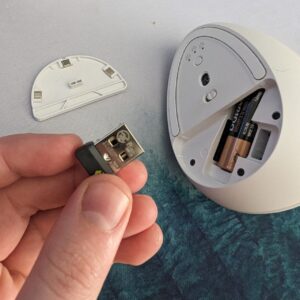
My ergonomic mouse
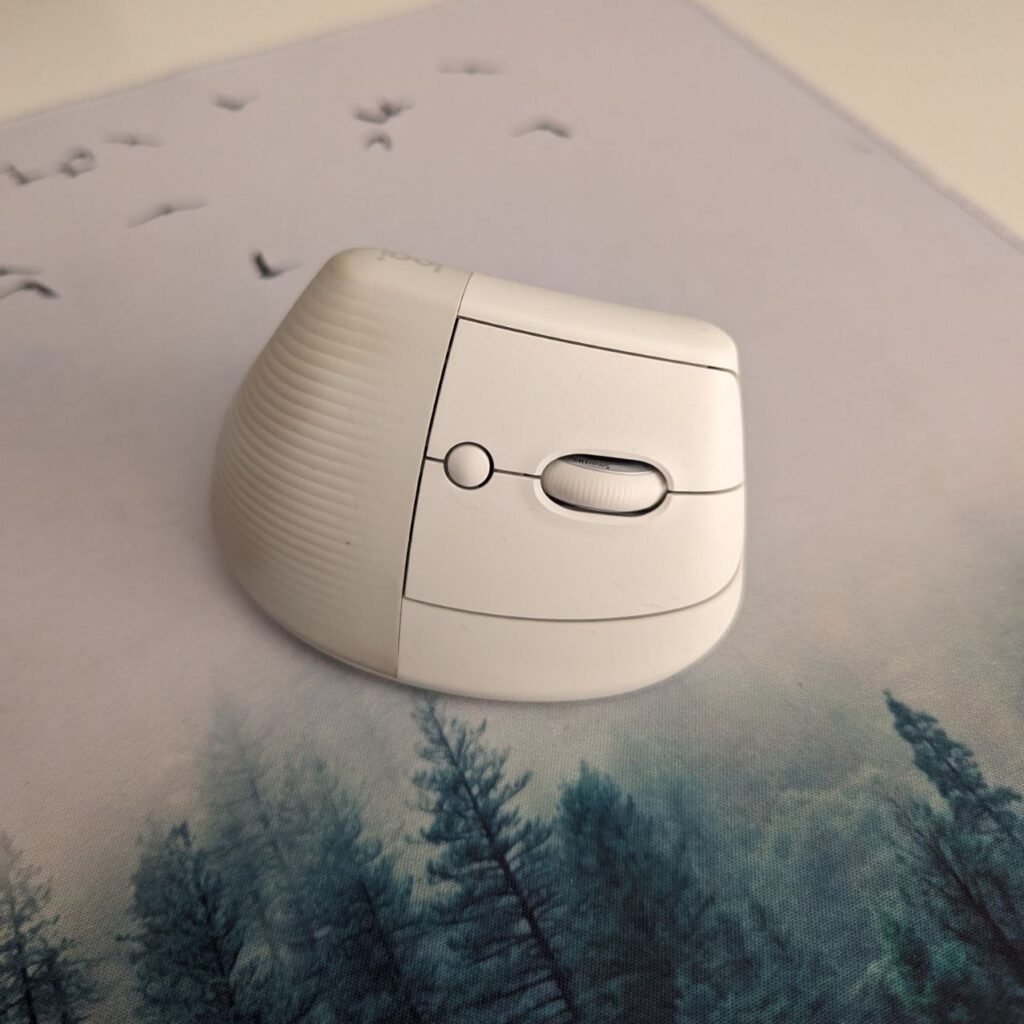
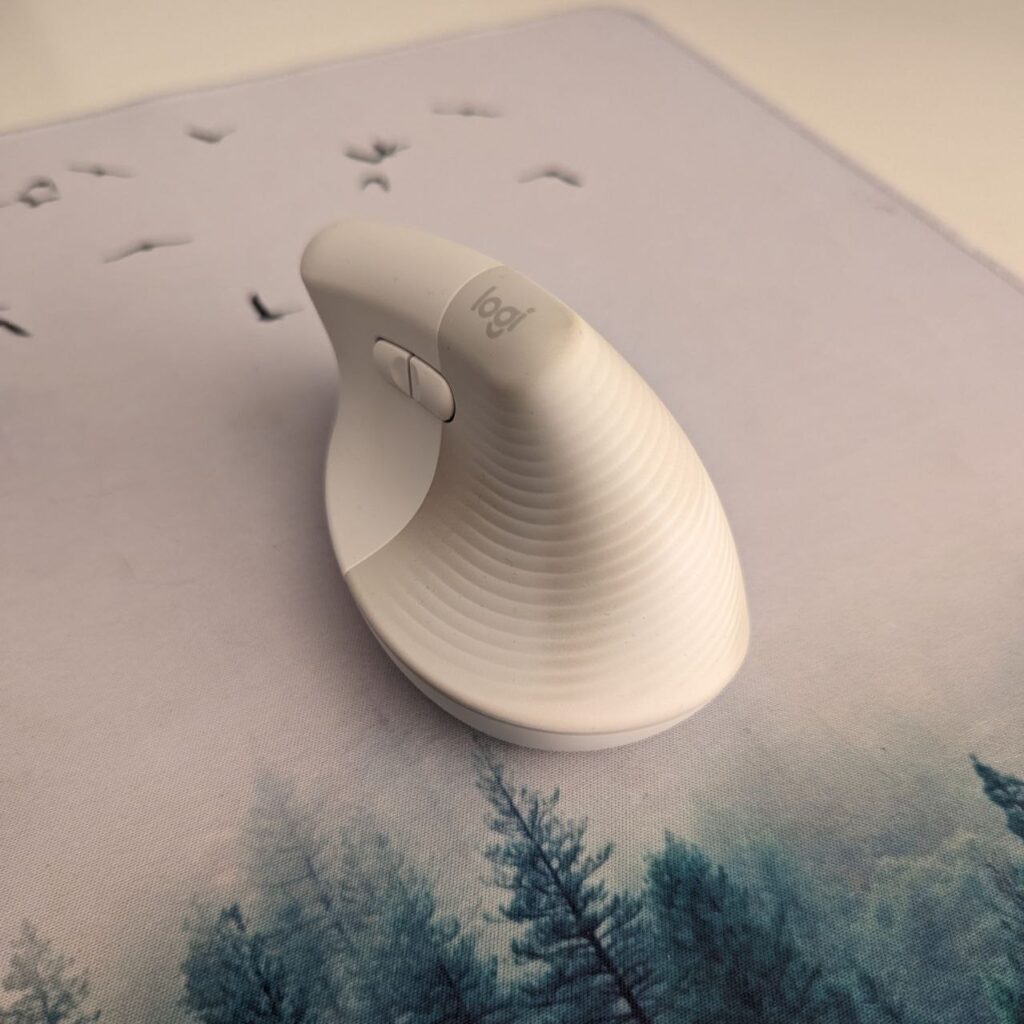
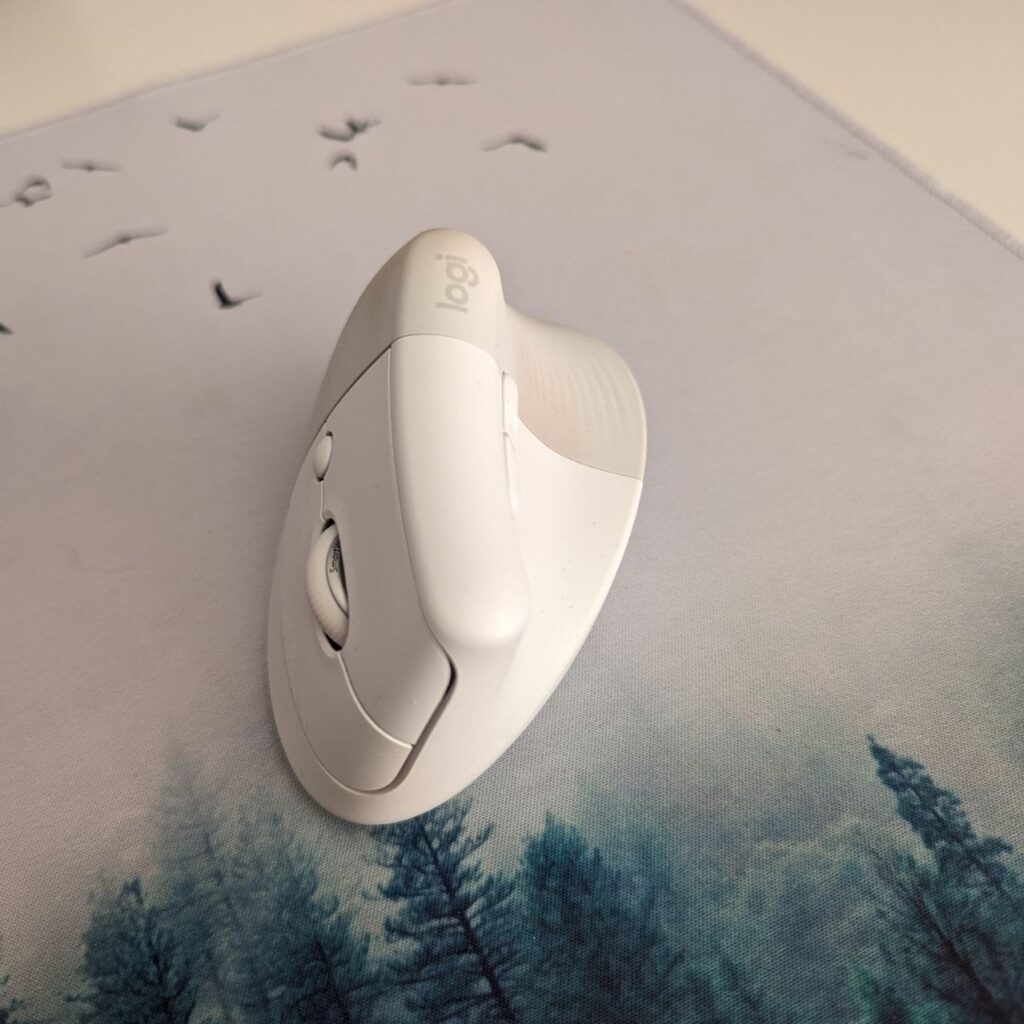
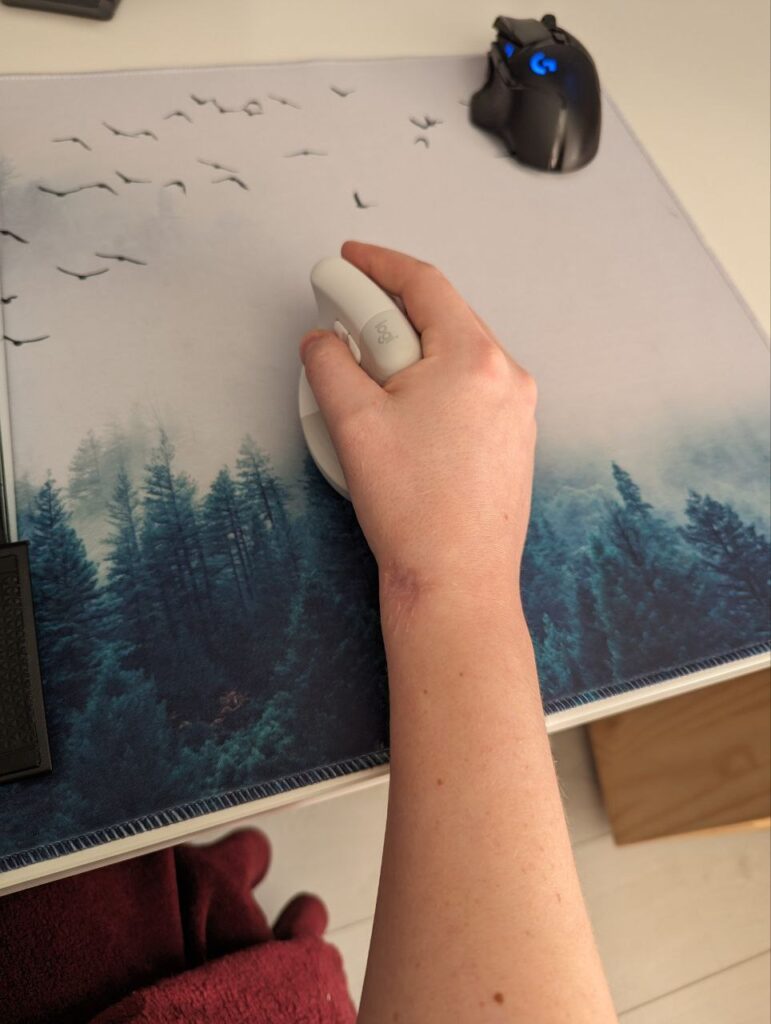
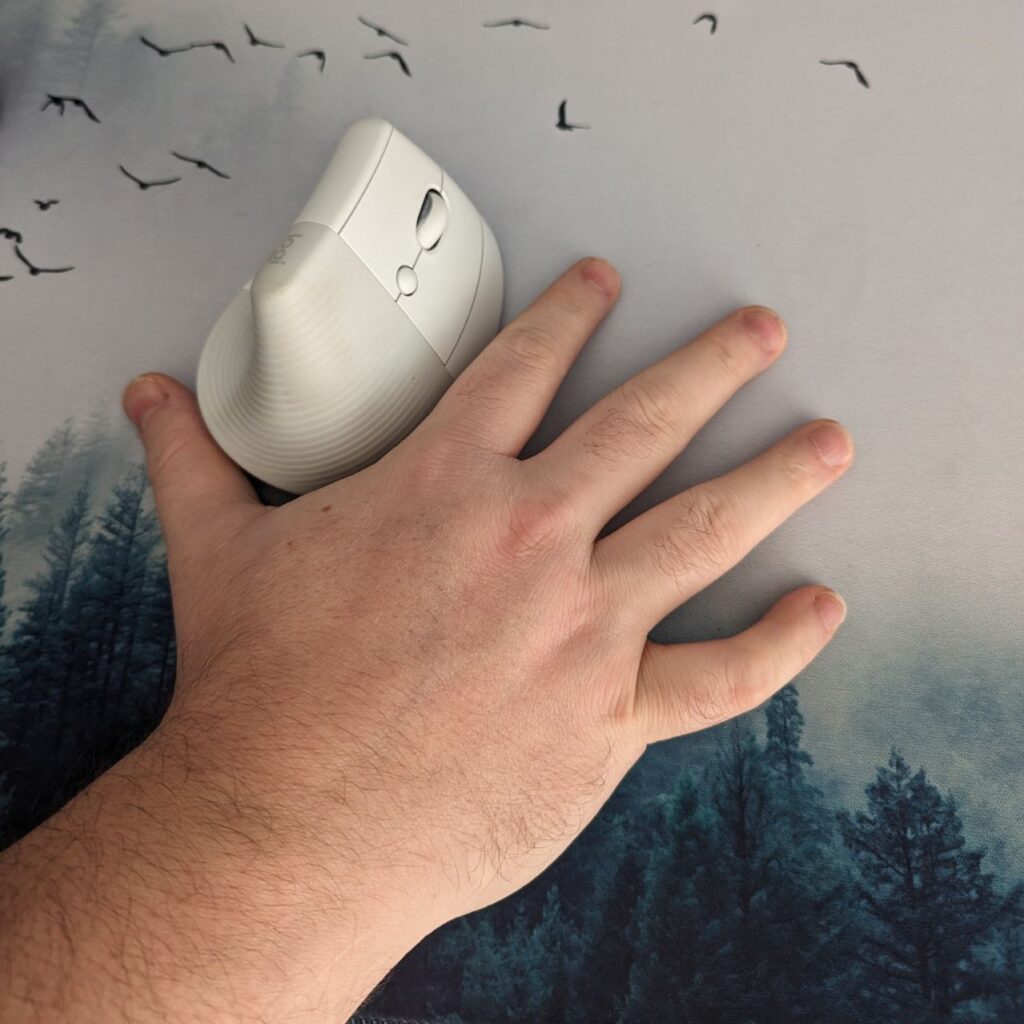
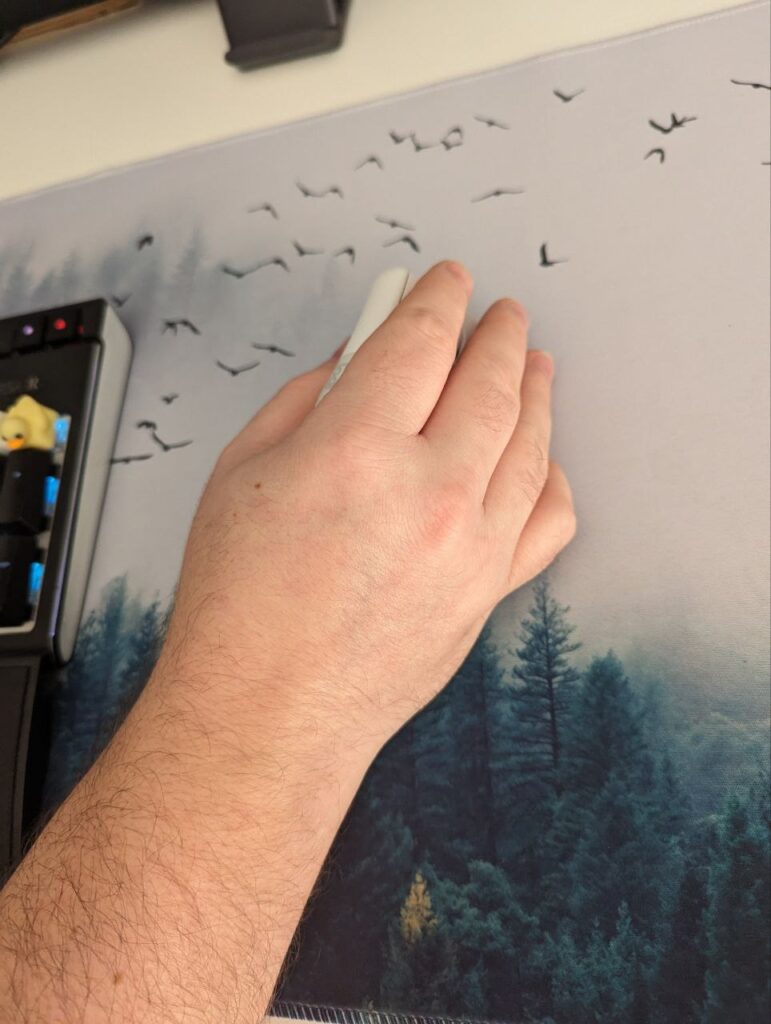
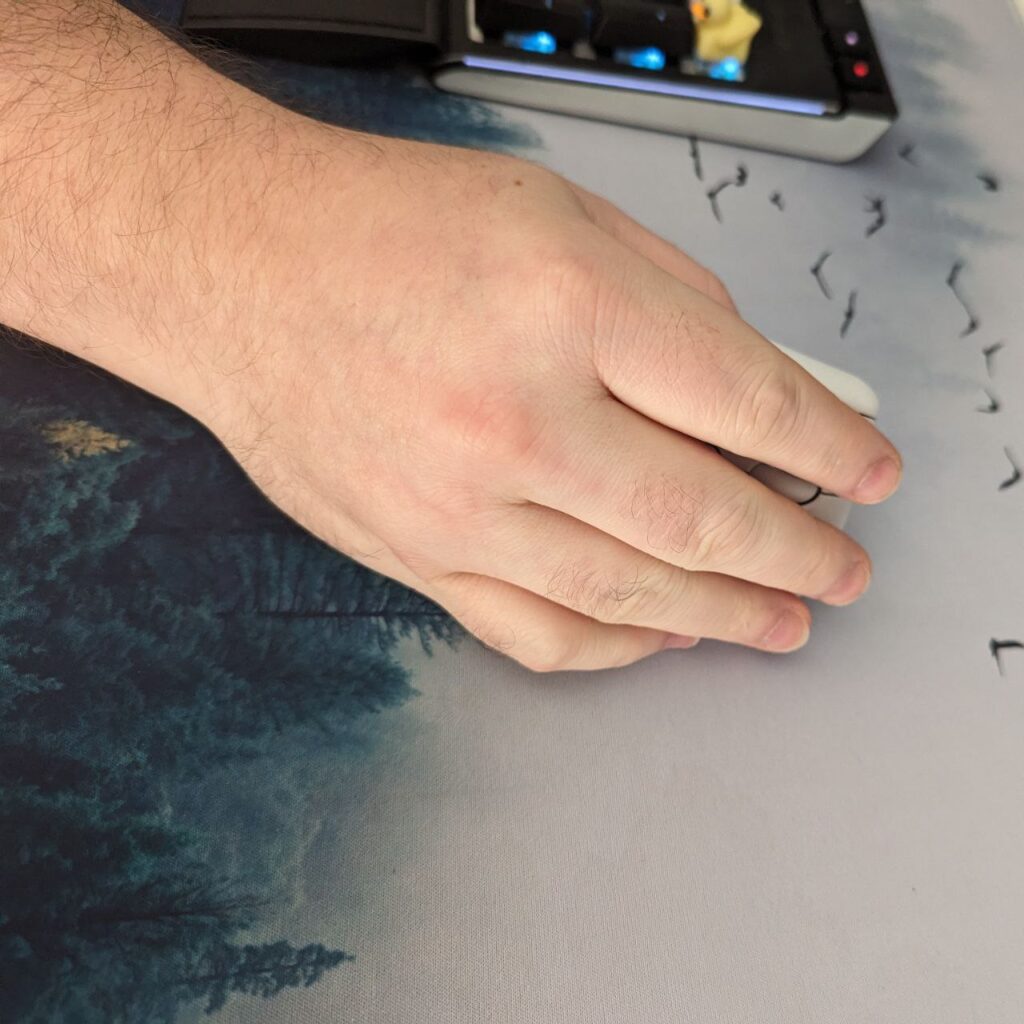
The ergonomic mouse I use is a Logitech Lift. It is vertical. It uses Bluetooth and is wireless, and uses one AA battery for power. This mouse I use for nearly all my computer work and leisure. Before this one, I had a cheaper version. This one worked oké but I only used it when I already had problems. It is way better to just switch to a good mouse and prevent problems. I really like this mouse and was amazed at how easily I switched to using this one. It also helps that this Logitech ergonomic mouse has 3 profiles you can switch between and has extra buttons at the thumb.
Tablet and controller
Why I use this? Well, besides drawing this tablet can be used as a mouse. It makes for a totally different posture and can be really relaxing. Takes the pressure off, it is fine for navigating, clicking and scrolling. So if you are just browsing or mostly typing, this can be fine. I also like to use it when I play a card game on my pc.
My controller I use for gaming only. I dislike playing shooters with it and rarely ever do. But, for a lot of other games the controller is fine. It is a bit have on my thumbs and that is why I swap between different modes of input. And of course, try to avoid being at the desk for too long at once. I use a playstation 5 controller because I am used to this much more than Xbox. It works just as well only some games have less support for this than Xbox controller. Before this I used a steam controller, which was also fine when playing steam games. The support was less amazing though and I always forgot to start big picture mode first.
Others
My regular mouse is a Logitech G. It is a little heavier than average, has some extra buttons, is really responsive and has good support. My desk is a sit-stand desk that I can manually raise to standing position. My keyboard is mechanical, which feels way better when typing and also helps for muscle memory. I have a rest for it to rest my wrists on. My screens hang on a big monitor arm and are heightened to where I like them. All in all, this setup ensures I can still use my computer quite often without troubles.
Tips and tricks
These are some simple things to keep in mind.
- Stand up every two hours. Try to relax and stretch a bit.
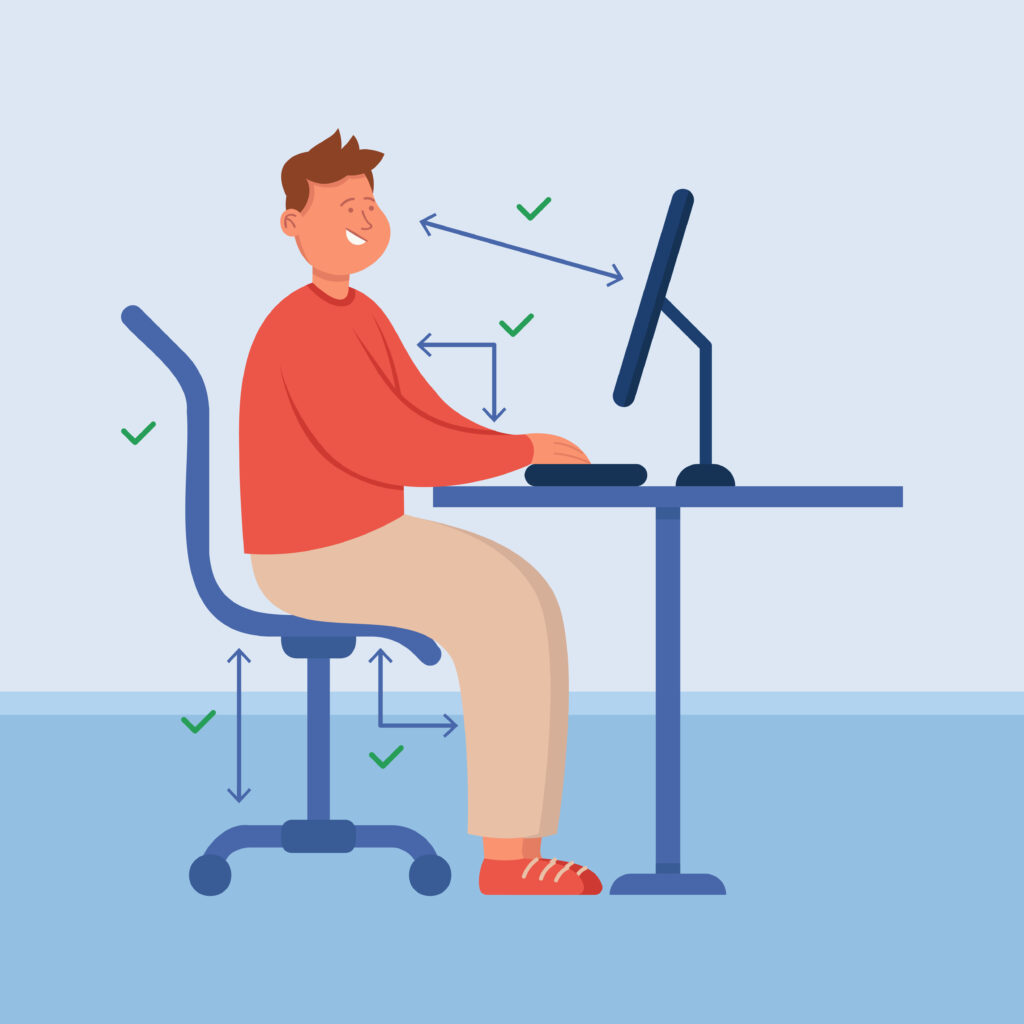
- Check your workspace on ergonomics. There is much more then just an ergonomic mouse. Does it enable the right posture, or should you change something? You can find more detailed pictures and information online. I included a simple example above here.
- Trouble with eye strain? Try dark mode for your browser. It helped me with my headaches
- Take your body seriously. Do not ignore pains
- Try straightening your back
- Make sure there is enough light
- As always, drink enough water and make sure you get your minimum exercise.
Questions and answers
I searched for the most asked questions on ergonomic mouses and wanted to address those. If you have any questions, tips or anything just reply to this blog or send me a message. Liek I said, I am no professional. I am experienced with these topics though and am always open to help or gain feedback. Most asked questions about ergonomic mouse:
- How to hold it?
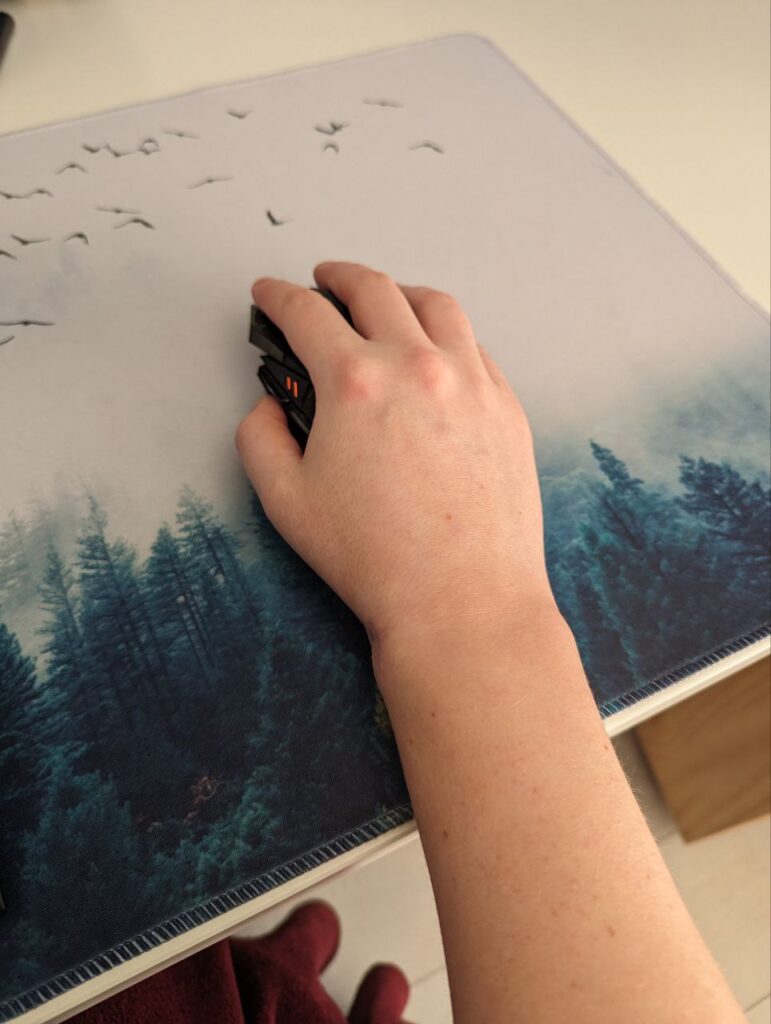
Most ones you hold vertically, in a natural arm position. Use a relaxed grip, there should not be any tension. There is some difference between designs and you should see what suits you best. The trackball ones I personally do not like because of my thumb pains, but can be really good as well. - Which one is best?
This depends on your wishes of course. I do recommend mine as I really like it, it has good warranty and is made by a good brand. Brand is not always most important, but in this case it does mean full support. Do not save on your mouse, cheaper ones are less good in this case. For example, the buttons do not click as well or some parts just break. - Does it work with big hands?
Most vertical ergonomic mouses do not. They are designed to fit in your hand perfectly, but are made for averages. There are options fitting for big hands, but do search for them especially. For example. there are trackball mouses that do fit. - Does it help with my tennis elbow?
A tennis elbow, most likely is not caused by your most or posture at your desk. This being sad, a vertical ergonomic mouse can help release tension in your arm and lessen the effects of your tennis elbow. - Should I use it for my shoulder pains?
An ergonomic mouse could help reduce the strain you put on your shoulder. Always also seek help from a professional. Manual therapy, stretching and massage can help.
Conclusion
I hope this blog was informative. Take your body seriously! Do not wait too long with seeking help or trying an ergonomic mouse. If you can avoid these illnesses and pains or lessen the ones you have, that should be worth more then some extra money. There is a lot of useful information on ergonomics in the workplace that you can find online and learn from, not only for desk work.